
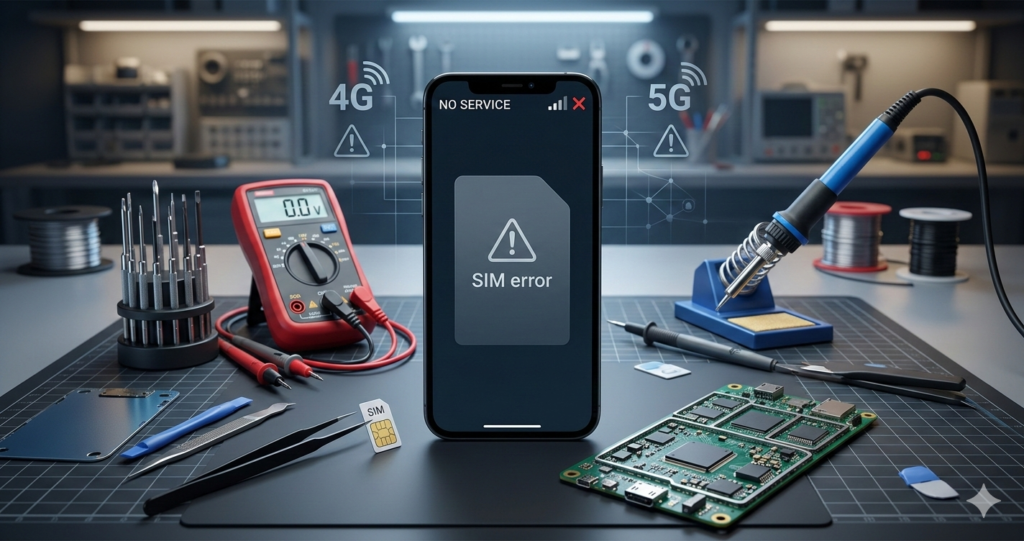
Mobile Network Problem Solutions (2026 Complete Guide)
Mobile network problems are very common in Assam and across India. Many users face issues like:
- Not Registered on Network
- No Signal / Emergency Calls Only
- SIM Not Detected
- Slow 4G / 5G Internet
- Baseband Unknown
In this guide, we will explain step-by-step mobile network problem solutions for both normal users and technicians.
This guide works for phones running Android including Android 12, 13, and Android 14.
1️⃣ Not Registered on Network – Solution
✅ Basic Fixes (For Users)
- Restart your phone
- Remove and reinsert SIM card
- Try SIM in another phone
- Turn ON/OFF Airplane Mode
- Reset Network Settings
- Settings → System → Reset → Reset Network
✅ Manual Network Selection
- Go to Settings
- Mobile Network
- Network Operators
- Choose your operator manually
If still not working, try next steps.
2️⃣ SIM Card Not Detected Problem
🔎 Possible Causes:
- Dirty SIM slot
- Damaged SIM
- Software glitch
- SIM IC hardware issue
✅ Solution:
- Clean SIM slot with IPA solution
- Check SIM on another device
- Update software
- If hardware issue → Check SIM IC voltage with multimeter
For technicians:
Check SIM line resistance and replace SIM IC if required.
3️⃣ Baseband Unknown / IMEI Null
⚠️ Important: Follow legal repair procedures only.
🔎 Causes:
- Corrupt firmware
- EFS partition damage
- Failed flashing
- CPU solder issue
✅ Software Solution:
Re-flash stock firmware using tools like:
- Odin (Samsung devices)
- SP Flash Tool (MTK devices)
- QFIL (Qualcomm devices)
After flashing:
- Check IMEI with *#06#
- Check baseband in About Phone
If still unknown → hardware diagnosis required.
4️⃣ Emergency Calls Only Fix
Step-by-Step:
- Check SIM validity
- Select correct network mode:
- LTE/4G/3G Auto
- Reset APN settings
- Update carrier settings
- Factory reset (last option)
5️⃣ Slow 4G / 5G Internet Solution
Very common issue in Assam rural areas.
✅ Fixes:
- Change Preferred Network Type to LTE Only
- Reset APN
- Clear cache of:
- Google Play Store
- Update phone software
- Remove unnecessary background apps
6️⃣ No Signal After Update
Sometimes after system update, network disappears.
Solution:
- Reboot device
- Reset network settings
- Reinstall firmware
- Downgrade software (if stable version available)
7️⃣ Hardware Level Network Repair (Technician Guide)
If software methods fail, check:
- Antenna line continuity
- PA (Power Amplifier) section
- Network IC
- RF signal path
- Check for water damage corrosion
Use schematic diagram for model-specific repair.
🔧 Tools Required for Network Repair
- Multimeter
- DC Power Supply
- Soldering Station
- Hot Air Gun
- Microscope
📍 Special Tip for Assam Users
In some rural areas of Assam, weak signal is due to tower coverage.
Before repairing:
- Test SIM in different location
- Try different operator
In cities like Guwahati, most issues are software related.
❓ Frequently Asked Questions (FAQ)
Q1: Why does my phone show no service?
Possible SIM issue, network outage, or baseband problem.
Q2: Can flashing fix network problem?
Yes, if problem is software related.
Q3: Is factory reset safe?
Yes, but backup data first.
📌 Conclusion
Mobile network problems can be caused by:
- SIM issues
- Software bugs
- Firmware corruption
- Hardware damage
Always start with basic troubleshooting before moving to advanced repair.
If you are a technician in Assam, mastering network repair can increase your shop income significantly.
