
Mobile charging problems are among the most common faults faced by mobile repair technicians. A phone may show no charging indication, charge slowly, stop charging intermittently, or fail to detect the charger completely.
Proper fault finding can save time and help technicians accurately identify the defective component.
Common Symptoms
- No charging symbol appears
- Charging percentage does not increase
- Slow charging issue
- Phone only charges when switched off
- Charger connected but not detected
- Charging stops automatically
Required Tools
- Digital Multimeter
- DC Power Supply
- Soldering Station
- Hot Air Gun
- Microscope
- Schematic Diagram Software
- USB Current Meter
Step 1: Check Charger and Cable
Before opening the device:
- Test with a known good charger
- Test with another USB cable
- Verify charging voltage (5V to 9V)
Many charging faults are caused by defective chargers or cables.
Step 2: Inspect Charging Connector
Check:
- Broken pins
- Dust or corrosion
- Loose charging port
- Physical damage
Replace the charging connector if necessary.
Step 3: Measure VBUS Voltage
Connect charger and measure voltage on VBUS line.
Expected Voltage:
- 5V (Normal Charging)
- 9V (Fast Charging)
If voltage is missing:
- Check charging connector
- Check fuse
- Check ESD protection diode
Step 4: Check Charging IC
The Charging IC controls battery charging.
Common symptoms of faulty charging IC:
- No charging
- Overheating
- Slow charging
- Battery not detected
Measure input and output voltages according to the schematic.
Step 5: Check Battery Connector
Inspect:
- Battery voltage
- Connector condition
- BAT line continuity
Normal battery voltage:
- 3.7V to 4.4V
Step 6: Check Charging MOSFET
Many smartphones use charging MOSFETs for power management.
Test:
- Drain Voltage
- Source Voltage
- Gate Voltage
Replace if shorted or open.
Step 7: Check PMIC
If all charging components are working correctly but charging still fails, inspect the PMIC (Power Management IC).
PMIC faults often require advanced chip-level diagnosis and replacement.
Fault Finding Flowchart
Charger → Charging Port → VBUS Line → Fuse → Charging IC → MOSFET → Battery Connector → PMIC
Follow this sequence to avoid unnecessary component replacement.
Professional Tips
- Always start with visual inspection.
- Use schematic diagrams whenever available.
- Check for short circuits before replacing ICs.
- Measure voltage first, then replace components.
- Maintain ESD safety standards.
Conclusion
Charging problems can be diagnosed quickly when a systematic fault-finding method is followed. Understanding charging circuits, VBUS lines, charging ICs, MOSFETs, and PMIC operation is essential for every professional mobile repair technician.About us
Mastering charging section diagnosis will significantly improve repair success rates and increase customer satisfaction.
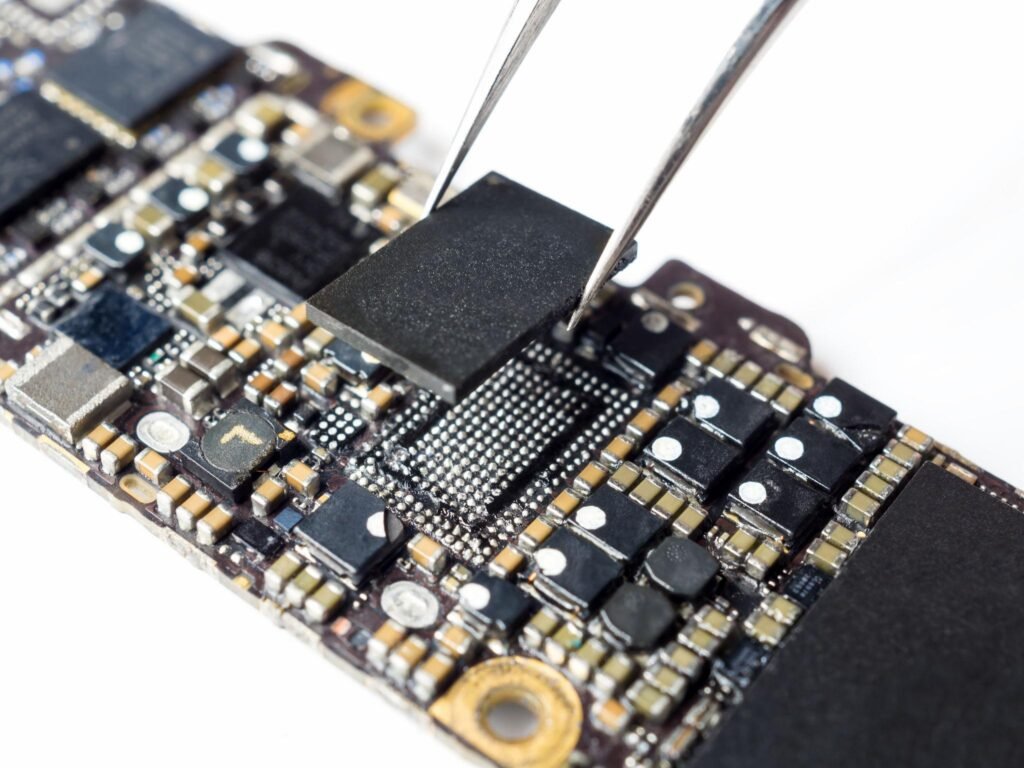
Mobile Not Charging Problem
